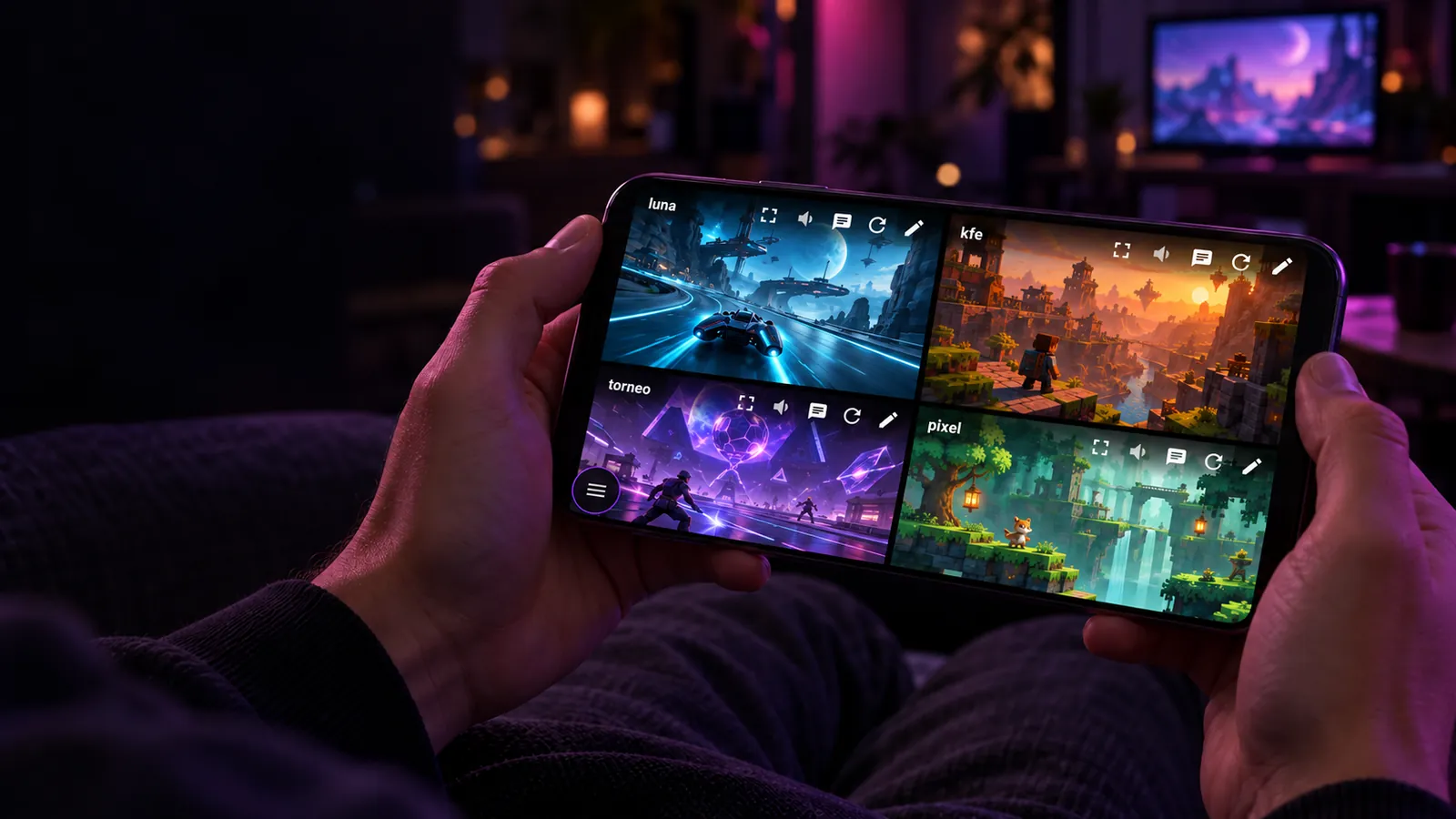
Every stream. Every sound.
Watch several Twitch streams at once and hear them all. Mix their volumes and choose who you hear.
One screen, the whole event
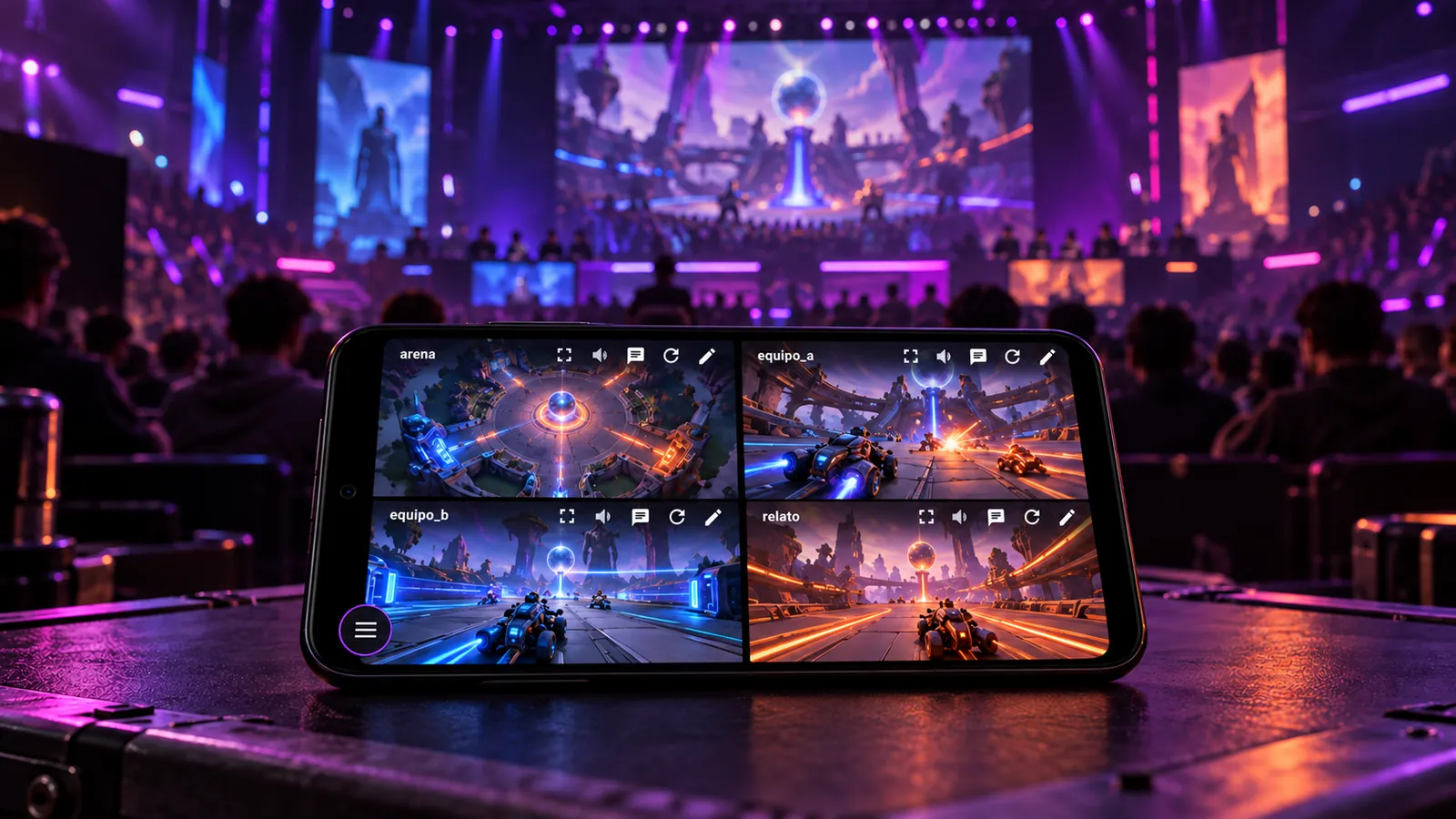
The whole tournament at once.
Follow different streams from the same event.
In the background, while you do other things.
The match keeps playing with your phone in your pocket.
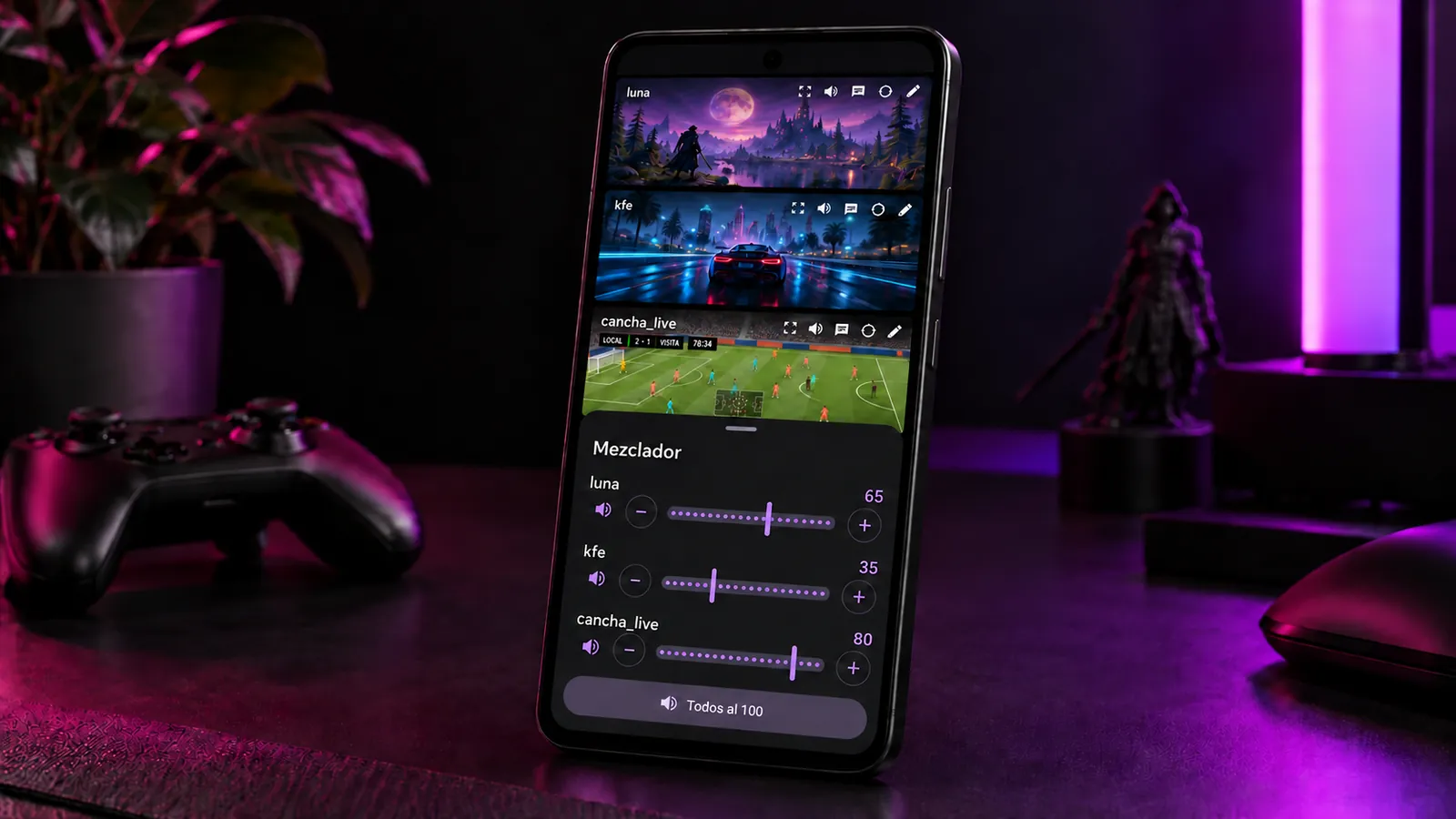
Your streamer, up front.
The one you want louder, the rest in the background.
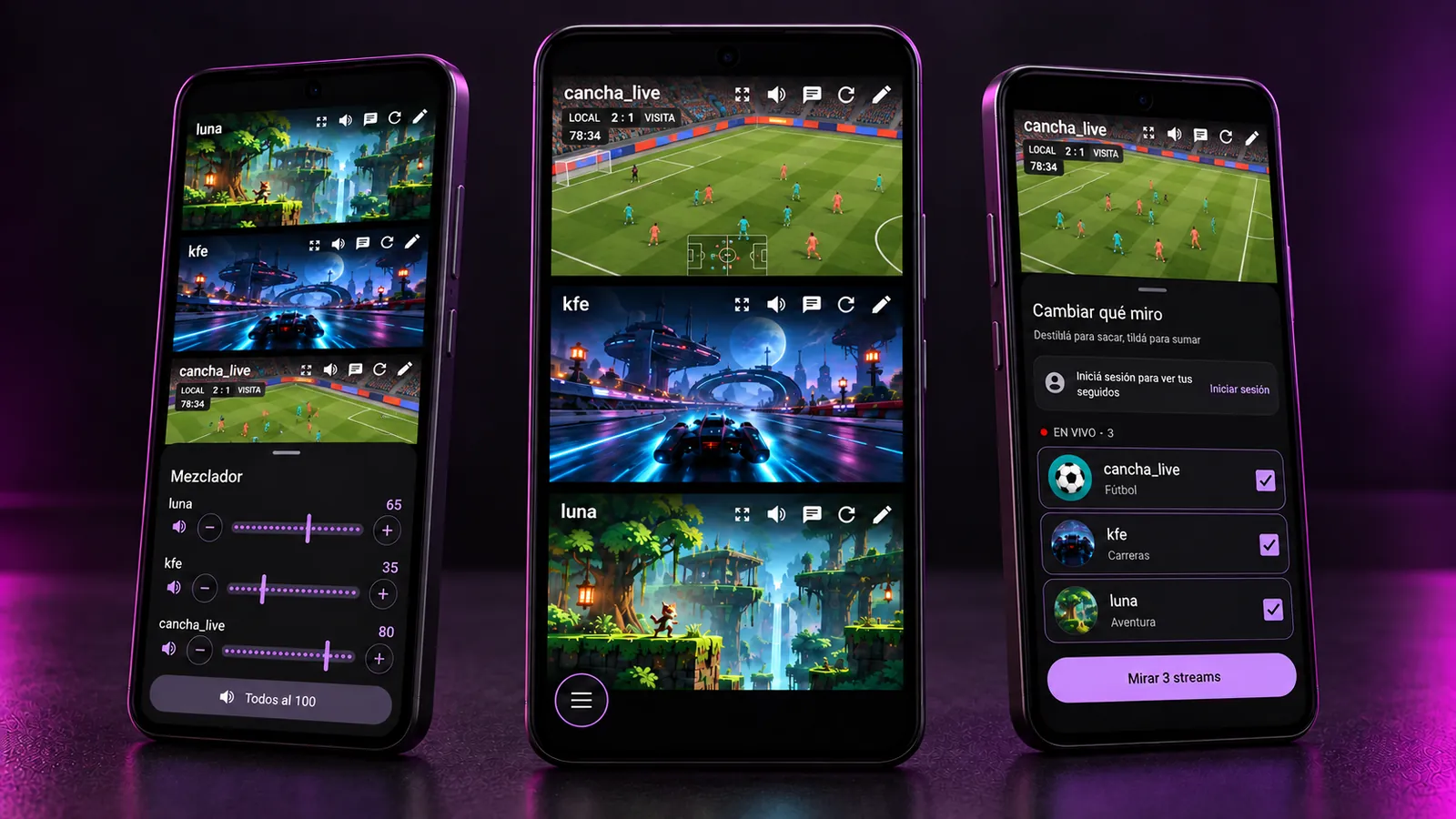
When they're live at the same time.
If your channels go live together, you don't have to pick one.
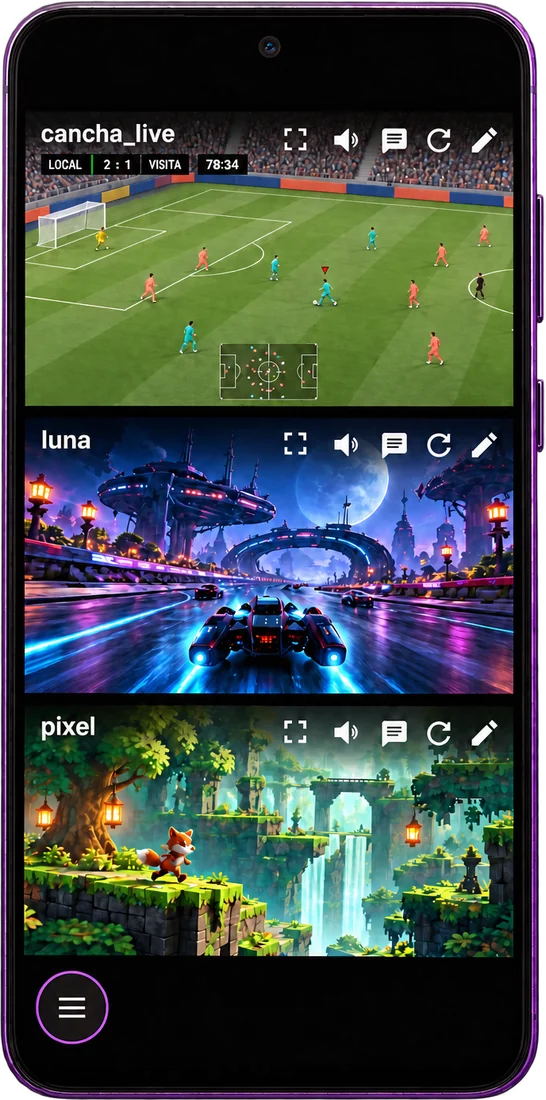
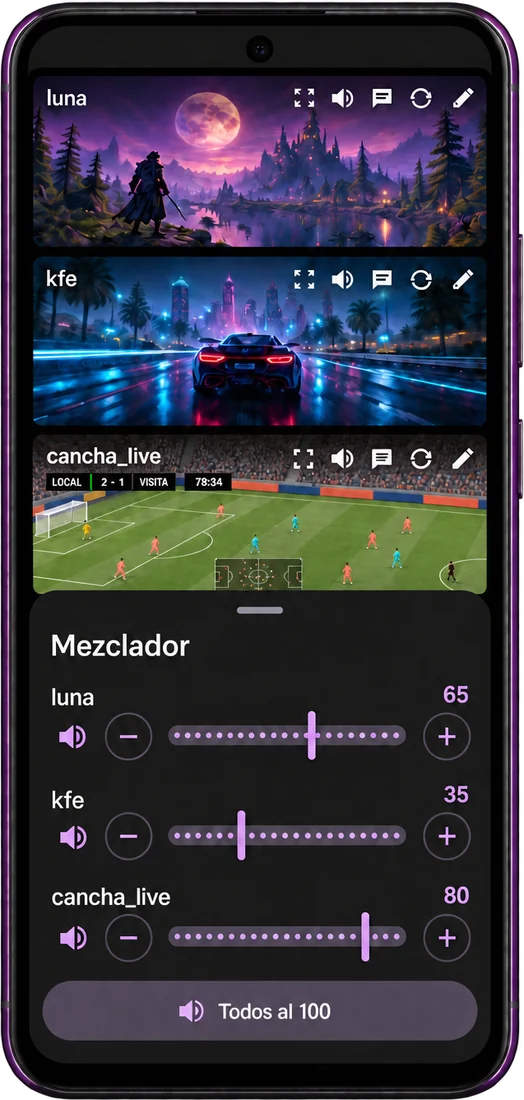
See them all, hear them all
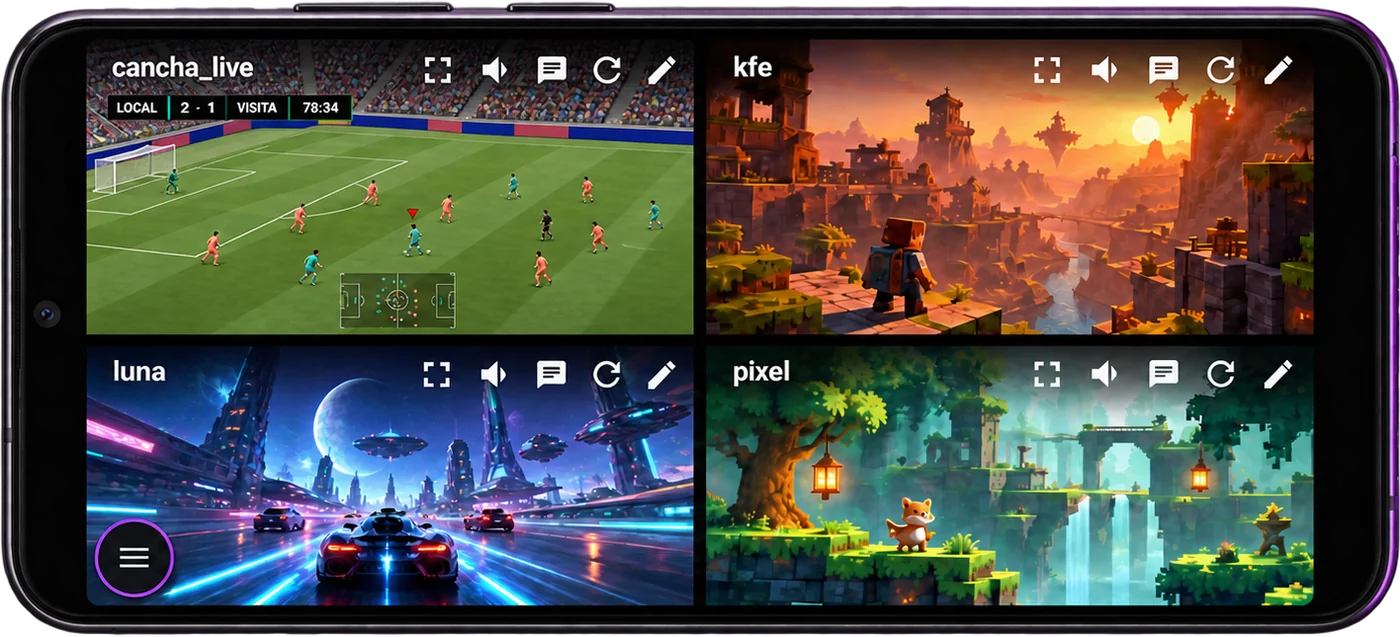
Each stream gets its own player and Android mixes the audio. The app measures how many streams your phone can handle and builds the grid from that.
Make it sound your way
Tap a stream's speaker to set its volume, mute it or solo it. Press and hold and only that one keeps playing. The mixer shows them all together, to even out the quieter ones.
Chat, beside the action
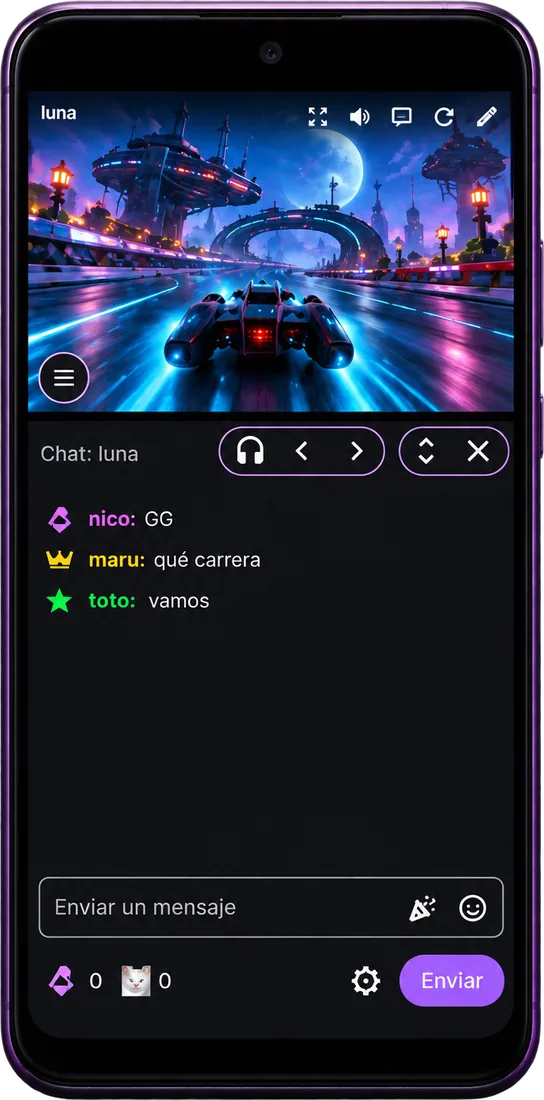
Open a stream's chat and that stream comes to the front; the others keep playing. Use the arrows to jump to the next one. Turn on "audio follows chat" and you hear the one you're reading.
Turn your phone
In portrait the streams stack one under another, together and centered; in landscape, a grid. They rearrange without stopping, and the app picks the layout that shows the most video.
One play takes center stage
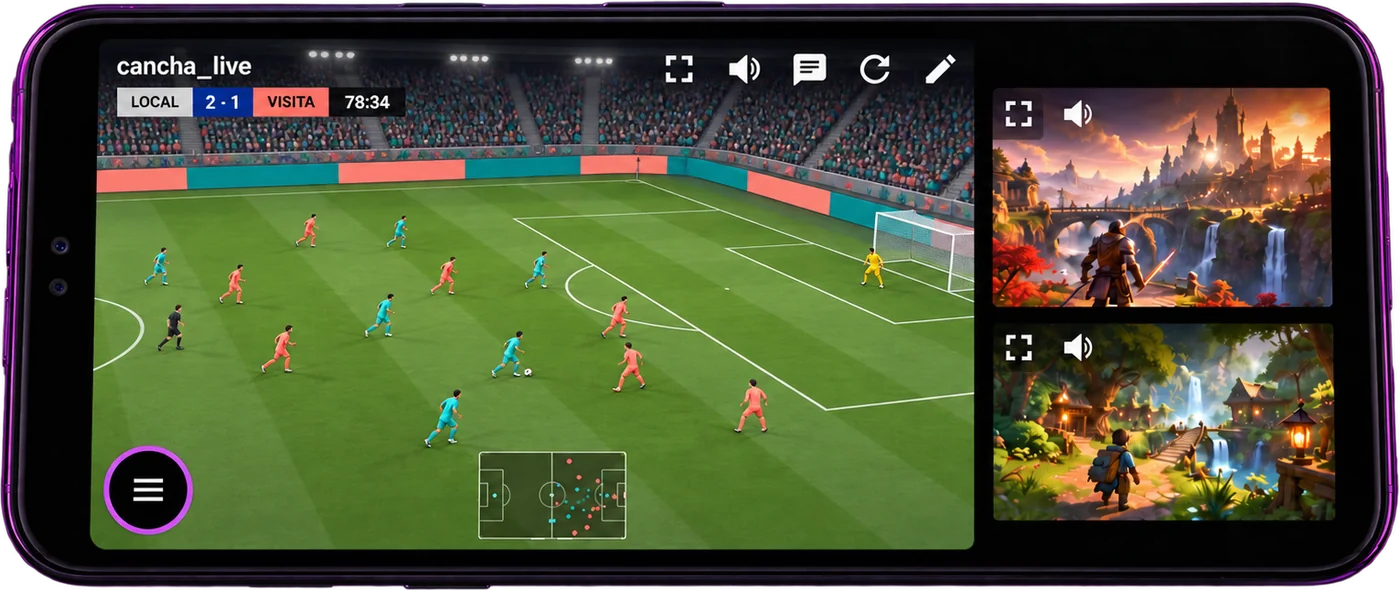
Double tap a video to enlarge it. The others stay visible and playing, beside it.
Screen off. Sound on.
Mute all, Next and Stop from the notification. The chat stays connected while you're not looking.
One tap mutes, two skip
With bluetooth or wired headphones: one tap mutes everything, a double tap moves to the next stream.
Choose what you watch
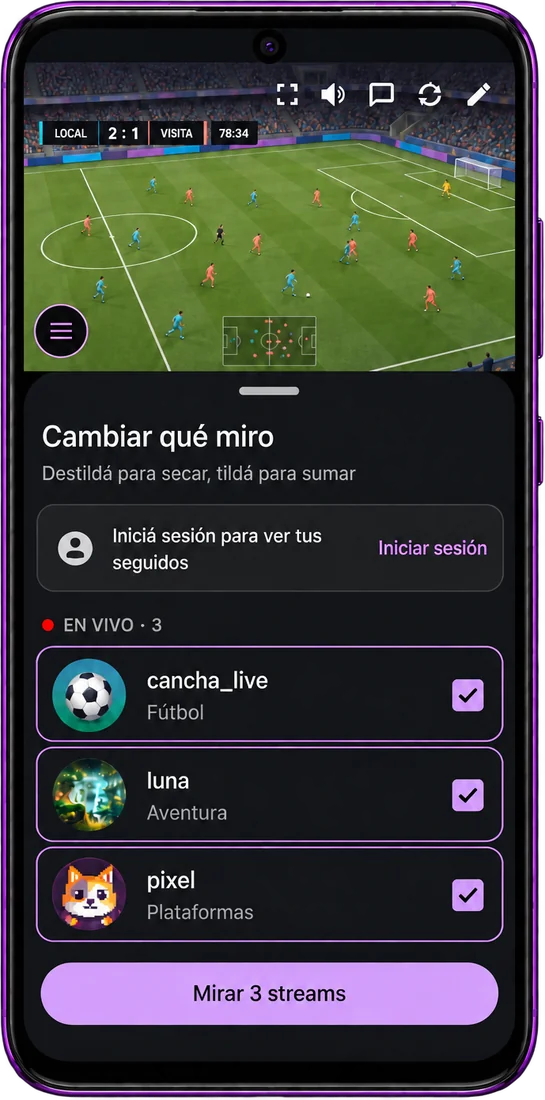
The app shows your live follows and favorites, most watched first. Check them and start watching. With your Twitch account you can also chat, and with Turbo or a channel sub there are no ad breaks.
Tap the speaker
This is the app's screen, working. Try these four things and watch how the notification changes.
- Tap a speakerThat stream's volume opens.
- Mute oneWith Mute, or by turning it down to zero.
- Press and hold a speakerOnly that one keeps playing.
- Open the mixerFrom "See all volumes".
Mockup: the videos are placeholders.
nico_k what a play
mmmaru clip it clip it
toto GG wp
nico_k again lol
How it works
The app in every situation: portrait, landscape, with chat open or choosing what to watch.
One big, the rest in a row
The enlarged one goes on the left and the rest line up beside it.
As wide as you like
In landscape the chat sits on the right and you widen it by dragging.
The conversation continues below
In portrait, video on top and chat fills the rest.
Fine tuning
Volume moves one point at a time, with Mute and Solo this close at hand.
Switch without stopping
Uncheck to remove, check to add, without reloading the others.
Another stream, within reach
If there's room, "Add stream" offers the ones that are live.
AI-generated images based on app screenshots. Games, channels and messages are fictional.
Build your grid.
Your streams, together. Your sound, your way.
Download APK v1.2.0 · 3 MBHow to install
- Tap Download APK and open the file when it finishes.
- Android asks for permission to install apps from your browser. That's normal for apps outside the Play Store: allow it.
- Tap Install. If Play Protect says it doesn't recognize the app, choose install anyway.